WhatsApp error 131049: why some marketing messages aren't delivered (and how to time your reminders)
Error 131049 means WhatsApp held back a marketing message to protect the customer's inbox. What it means and how to space cart reminders so they get through.
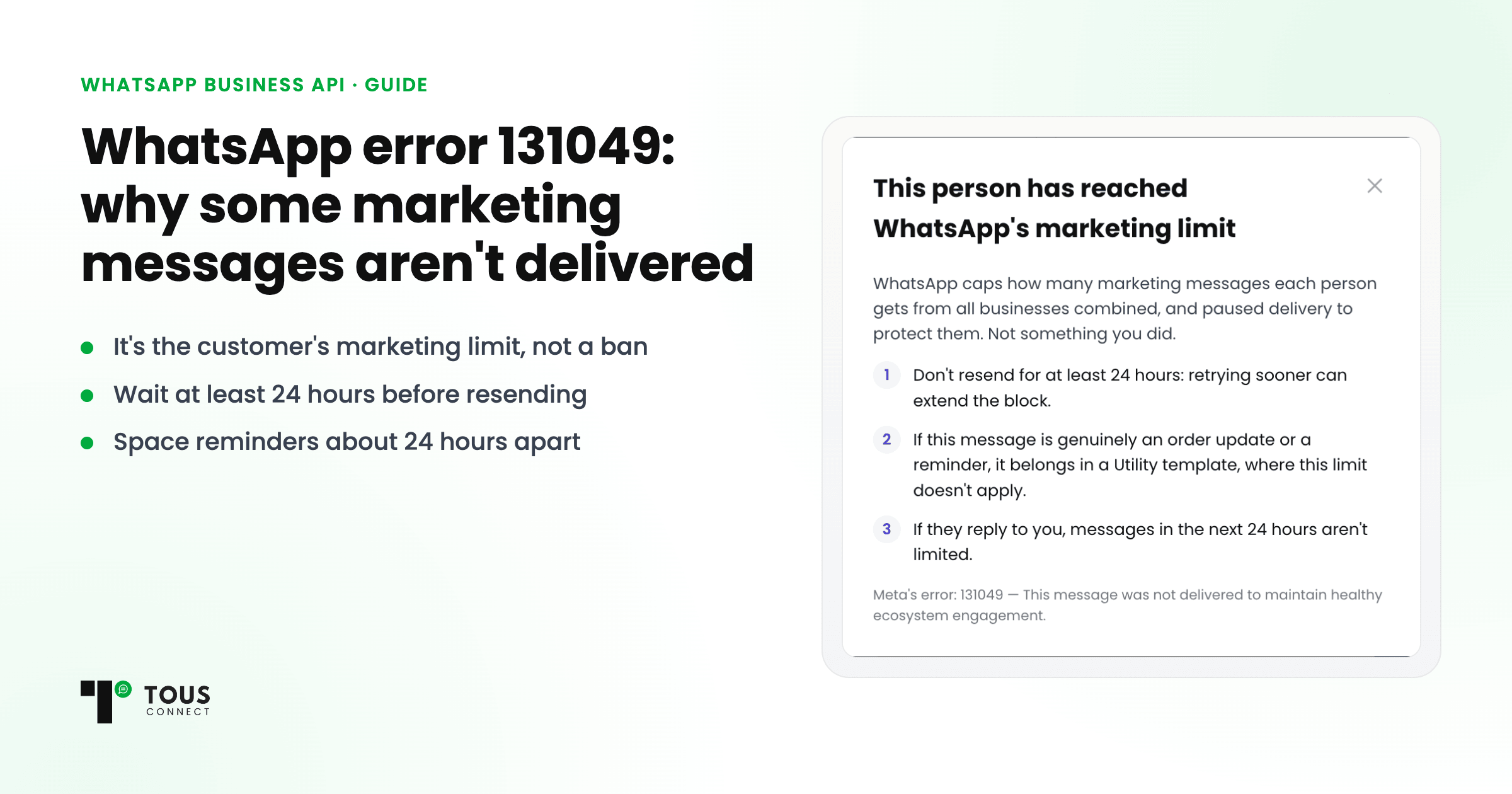
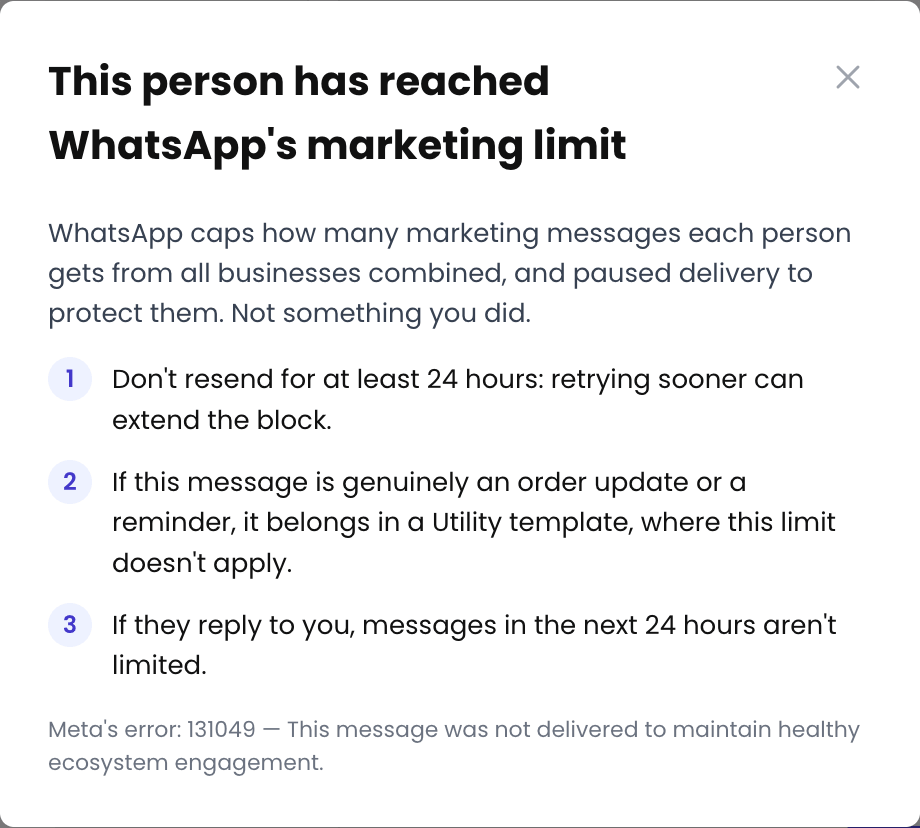
Quick answer: WhatsApp error 131049 means WhatsApp held back a marketing message so that one customer doesn't get too many. It isn't a ban and nothing is wrong with your template. Don't resend for at least 24 hours, and space your reminders about 24 hours apart: two marketing messages to the same person inside one day are often refused.
If you send WhatsApp marketing messages, sooner or later some of them come back as failed with code 131049. The message looked fine, the number is right, and the customer may even be waiting for it. Here is what the error means and what actually helps.
What WhatsApp says the error means
Meta's error reference describes 131049 as: "This message was not delivered to maintain healthy ecosystem engagement." WhatsApp limits how many marketing messages each person receives from businesses. The limit is set per customer, and Meta says it depends on several things, including that person's recent read rate for marketing messages and how many messages they already have from friends, family and businesses.
Three things follow from that:
- It's about the customer, not your account. The same template can reach one customer and be refused for another.
- It's about marketing templates. Meta's limit is on marketing template messages; order updates belong in utility templates.
- Replies change things. When a customer replies to one of your marketing messages, a 24-hour window opens, and Meta says marketing messages sent inside it don't count towards their limit.
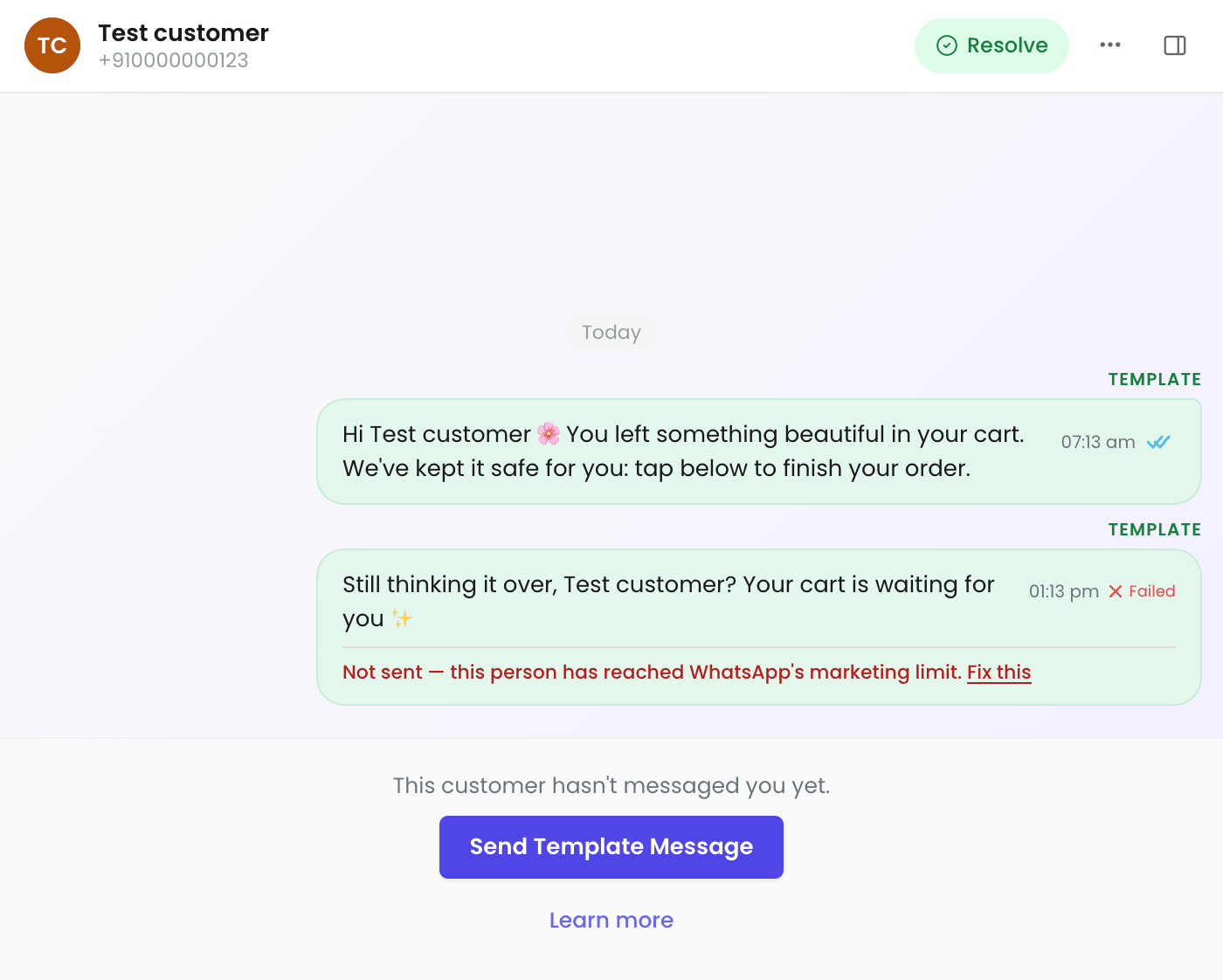
Why resending makes it worse
Meta advises waiting at least 24 hours before resending a template to someone who got 131049, because the limit can stay in effect for different lengths of time. A retry an hour later is likely to fail again, and Meta notes that early resends can also make your campaign delivery reports less accurate.
What we learned from our own reminders
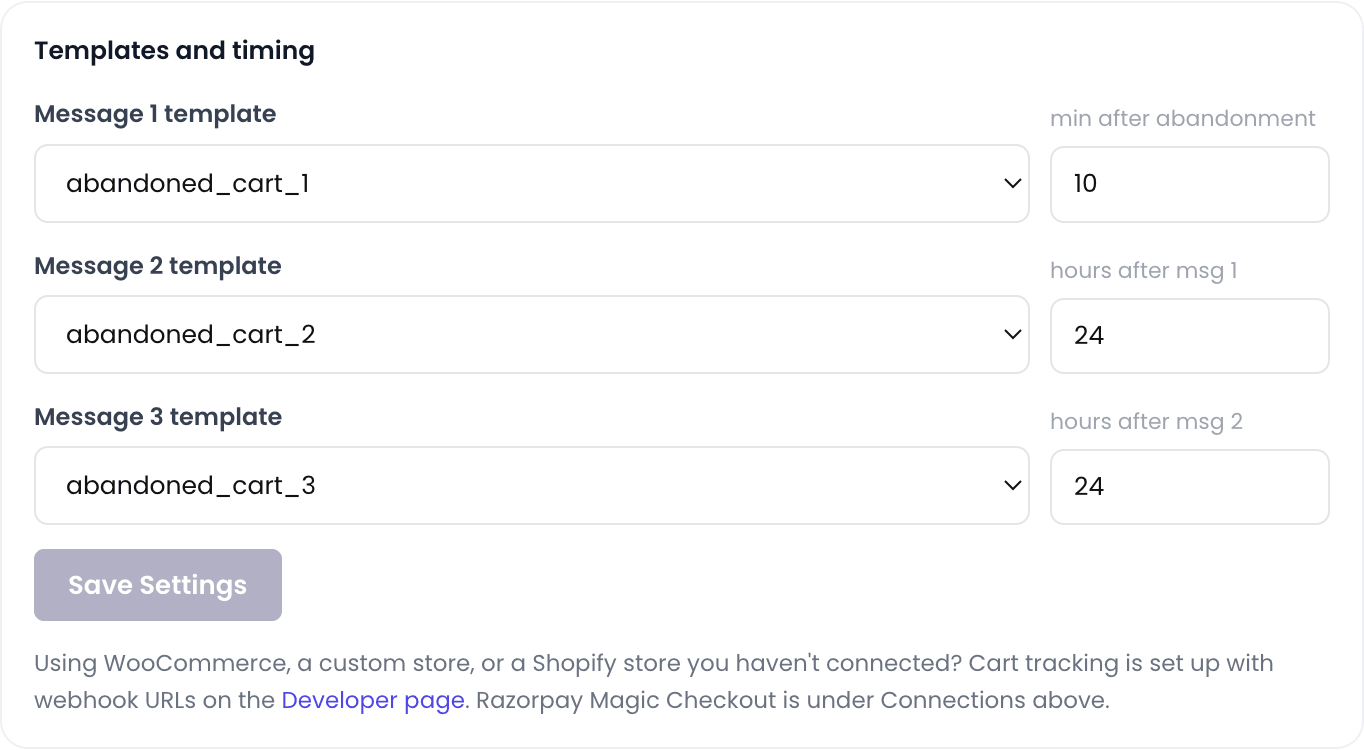
Silvago, our own jewellery brand, used to send its second cart reminder 6 hours after the first. More than half of those second reminders were refused: they arrived only hours after the first one. We moved it later, to about 24 hours after the first, and that is Tous Connect's default schedule today:
- Reminder 1: about 10 minutes after the cart is left
- Reminder 2: about 24 hours after reminder 1
- Reminder 3: about 24 hours after reminder 2
Every reminder stops as soon as the customer orders.
How to keep more messages delivered
- Space marketing messages to the same customer about 24 hours apart. This matters most for reminder sequences.
- Don't retry a 131049 within 24 hours. Wait at least a day before you message that person again.
- Send fewer, better messages. Meta's limit responds to how often people read marketing messages, so messages people want to open help.
- Answer customers inside their window. When a customer has just responded to you, marketing messages in the next 24 hours don't count towards the limit.
- Use utility templates for order updates. Confirmations and shipping updates are utility messages, not marketing.
How Tous Connect handles it
- Cart reminders follow the 10 minutes / 24 hours / 24 hours schedule by default. On the Growth plan (₹2,499/month + GST) you can change the timing and templates of reminders 2 and 3, and Tous Connect warns you before you save two reminders less than 24 hours apart.
- A refused message shows as failed in your inbox and in your broadcast and campaign reports, with the reason in plain words, so you can tell a 131049 from a wrong number. Fix this says what to do next.
- After a 131049, Tous Connect stops that cart's remaining reminders, so it never retries too soon.
- Customers who opted out, or said no to marketing, are skipped automatically.
Start your 7-day free trial: no card needed.
Questions
What does WhatsApp error 131049 mean?
It means WhatsApp chose not to deliver a marketing template message to that customer 'to maintain healthy ecosystem engagement'. Your account isn't blocked and the message wasn't wrong; that customer had reached WhatsApp's limit on marketing messages for now.
Should I resend the message straight away?
No. Meta advises waiting at least 24 hours before resending a template to someone who got 131049. An earlier resend is likely to fail again.
What happens when a customer replies to me?
When a customer replies to one of your marketing messages, a 24-hour window opens, and Meta says marketing messages sent inside that window don't count towards the limit.
How far apart should abandoned-cart reminders be?
Send the first about 10 minutes after the cart is left, and space the next ones about 24 hours apart. Two reminders inside the same 24 hours often run into the limit.
Does Tous Connect charge for messages that weren't delivered?
No. Tous Connect doesn't charge for sending messages, delivered or not: WhatsApp's charges are billed by Meta directly to your own WhatsApp account, with zero markup. The one Tous Connect charge tied to replies is for AI-written replies beyond your plan's included allowance (₹0.20 + GST each). In Tous Connect, a message refused with 131049 shows as failed, with the reason in plain words.